52Frames – 2020-28 – Edited by Someone Else

For 52Frames, this week, the idea was to give up some control and to give a picture to edit to “someone else”. There was a handy sign-up sheet with 52Framers offering their services and what they were willing to work with; my editor for this picture of a pretty rock was Mary Lesh.

I usually work better within a set of constraints; the 52Frames constraints are actually usually slightly too loose for my taste, and without a guiding theme, I didn’t know exactly what I wanted to do. I considered going outside for a few shots (I noticed a few things I want to get in my camera recently), but my “social budget” for the day was tapped out, so I decided to stay home with my studio.

When it comes to studio, I do like photographing minerals. I also knew that this would give some leeway/freedom to my editor: they could either focus on the details, or take advantage of the space around the rock. And I had this very pretty rock (as far as I can tell, barite & vanadinite?) that hadn’t been in front of my camera yet. This is the image I sent to Mary (exported from RAW to JPG with no settings changed):

CameraPentax K-1 II
Lenssmc PENTAX-D FA 50mm F2.8 Macro
Focal length50mm
F-NumberF/32.0
Exposure time8 s
ISO125

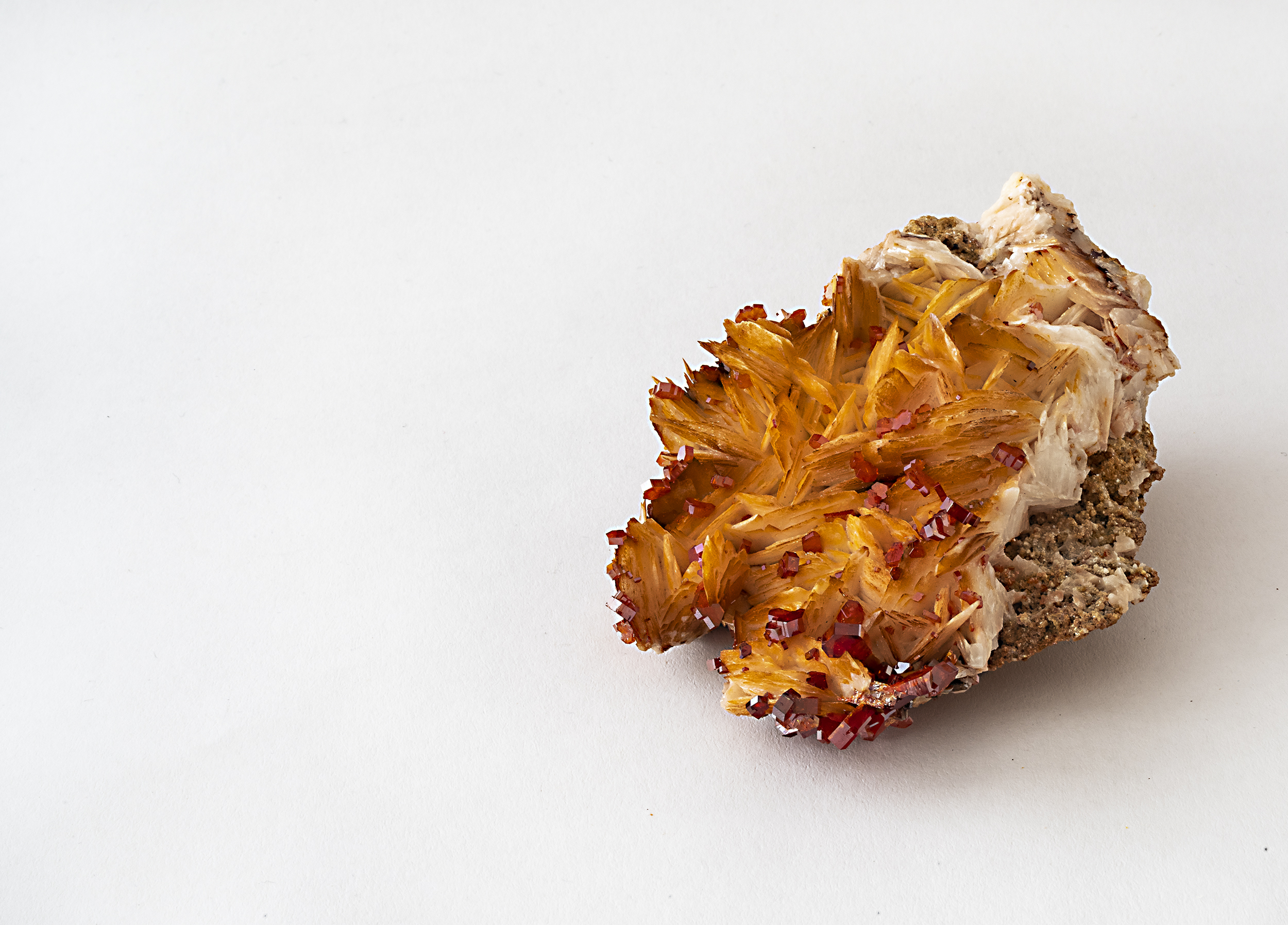
I thought it’d be fun to do a parallel edit to see what could be done starting with the same image 🙂 I must say that I was looking for the same kind of crop as Mary sent to me, but for the life of me couldn’t “find” it. So I flipped the image (and not the table) and went for a much closer crop, and ended up with this:

Mary told me she’d left a lot of white space if I wanted to add a quote or something. I must say that I like the idea a lot, and that it had not crossed my mind ever before. Aaaand I do like the white space as it is too.

This was, for me, a very interesting experiment, even starting with a shot as basic as the one I submitted. Thanks Mary for playing that game with me!
52Frames – 2020-27 – Complementary colors

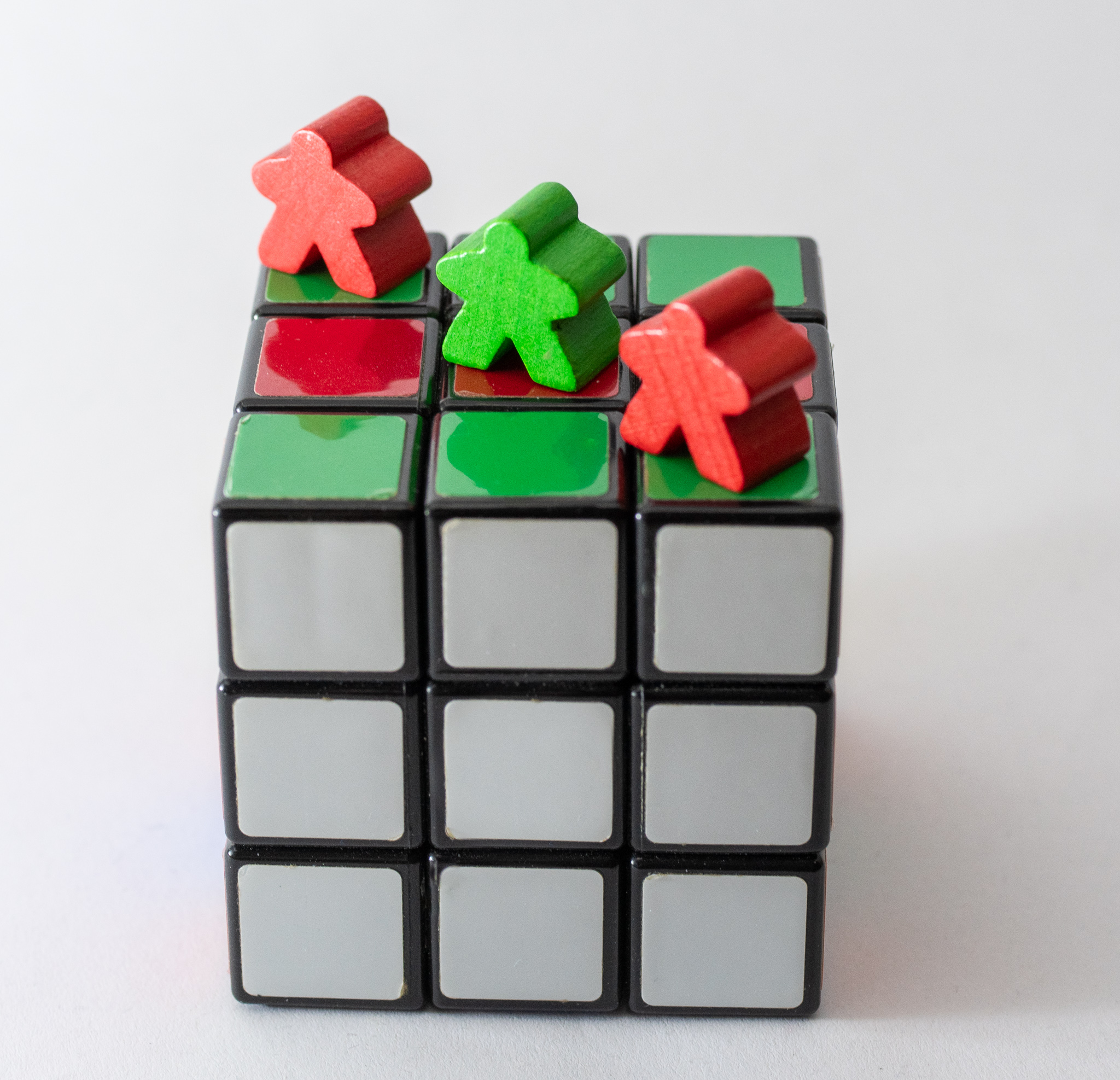
The theme for 52Frames this week was Complementary Colors (I chose Red/Green) – which works particularly well with colorful board game pieces such as meeples. I grabbed a couple of these, and I saw my Rubik’s Cube in the shelf – so I threw it in the picture as well. And then I did something I hadn’t done yet: I used Lightroom to edit the picture.

I had a profound lack of motivation for this week – which means that I started shooting around 21:30, which may well be a new record. My goal was to “Just Shoot Something” and not break the streak – and the very first version was just the three meeples on the cube shot with a phone on the table. But I realize I couldn’t even manage to click “take the picture” on the phone – I felt the need to grab the softbox (which has a white background, at least) and a Lume cube (see previous remark about 21:30 – even 2 weeks awy from the solstice, it’s getting dark!). And then I tried to take the picture again with the phone, grumbled a bit, grabbed the camera and took a couple of pictures.

And then… well, then, I installed Lightroom. I’ve been experimenting with switching back to Windows after 15-20 years of Linux usage. And one of the reasons for that (by far not the only one) is “this way I can give Lightroom a try”. I’ve been using Darktable on Linux for quite some time now, and I do love the project and the software. They’re really doing a terrific job. Buuuuuuuuuuuut. I don’t particularly enjoy processing pictures (unless I’m doing specific creative edits). And I must admit that “dammit, Lightroom streamlined that thing A Lot.” I very much enjoy Darktable’s creative options, but when it comes to speed and automation of edits, I cannot deny that Lightroom does a great job, at least as far as my first perfunctory tests go. I was also expecting to fight and sweat my way through it… and I didn’t.

All in all – no, it’s not a great picture – it’s neither very creative nor technically flawless. But I still learnt more today than I expected, and it started with “I’M NOT LOSING MY 52FRAMES STREAK”.

52Frames – 2020-26 – Flashlight

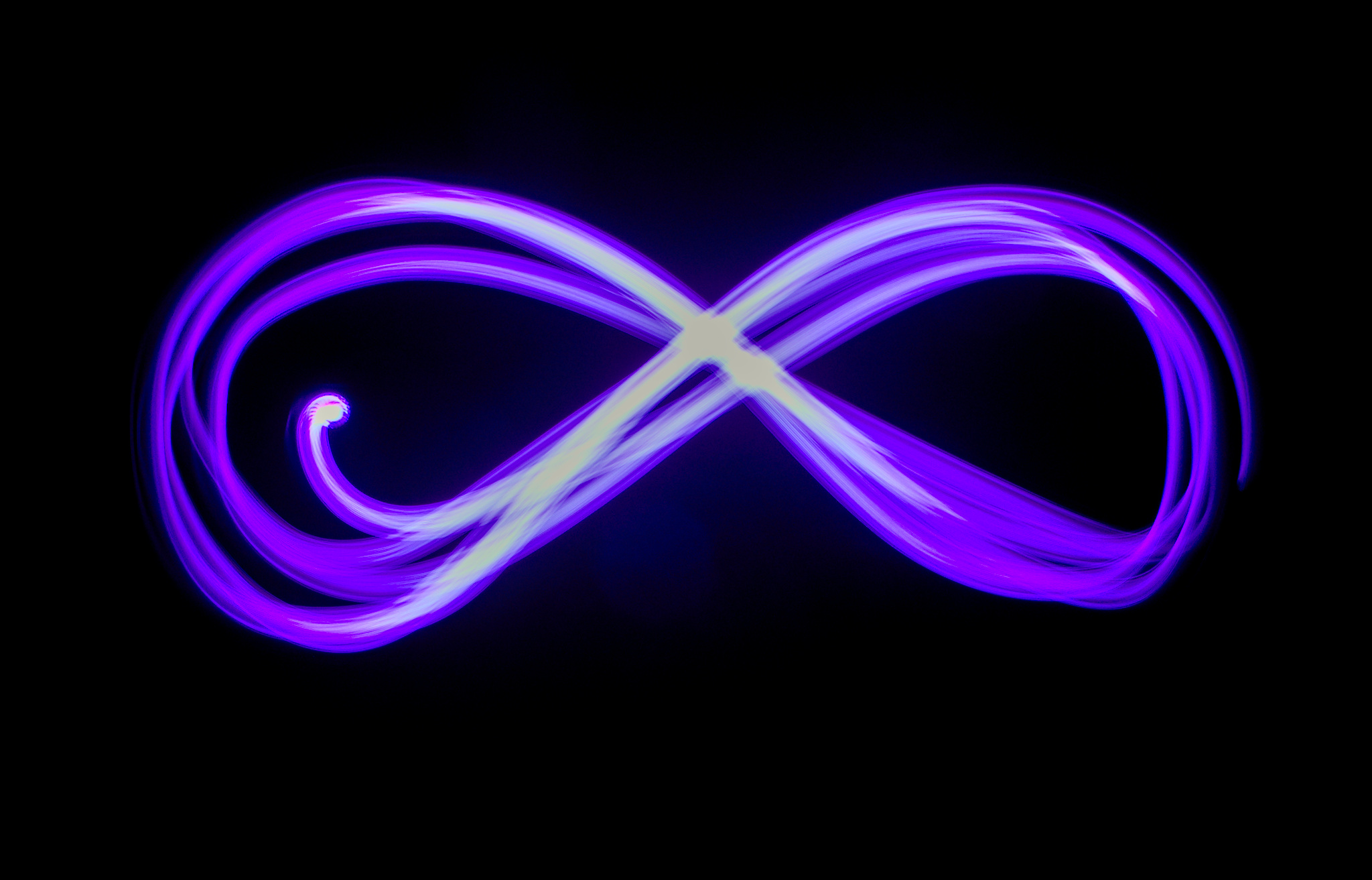
The theme for 52Frames this week was “Flashlight”, with a secondary theme of “Light painting”. I will admit I cheated a tiny bit – I didn’t use a flashlight per se, but a Lume cube – because my Lume cubes have easy-to-snap-on color filters, and I wanted purple, because why not.

Very straightforward shot – setup camera in a dark room, setup long exposition, draw infinite symbol with a purple light, choose best among 12 (which was the number I managed to do before the Lume cube became uncomfortably warm), edit and ship 🙂

52Frames – 2020-24 – Hands

The theme for 52Frames last week was Hands. My first idea was to go with hands on a keyboard; since we recently got a Switch, I changed my mind and went for the gaming picture!

My first images were with a fast shutter speed – I had taken a few with a slower one to see how it went, I liked them better, so I re-shot with slow shutter speed until I got one that I liked.

Thanks to Pierre for lending me his hands and bearing with me while I was taking pictures of his Wizard of Legend game 😉

CameraPentax K-1 II
Lenssmc PENTAX-D FA 50mm F2.8 Macro
Focal length50mm
F-NumberF/9.0
Exposure time0.5 s
ISO160

52Frames – 2020-23 – Dancing

The theme for 52Frames this week was “Dancing”. My lack of inspiration and motivation was clear on this theme – although I don’t have much issues with taking selfies and self-portrait, the idea of using myself as a model for a dancing theme felt…. complicated (both technically and emotionally).

I was discussing the topic with Pierre (which is what I typically do when I lack inspiration – he’s full of ideas 😉 ), I went “actually, I just need a wooden mannequin, pose it, take pictures, done” (such mannequins were used in ads for some wood wax called Ocedar and we do call them ‘bonhomme Ocedar’ – ‘Ocedar guy’ still 😉 ) – and Pierre told me “well, you DO have LEGO Technic figures, which are fairly articulated too”. And: true.

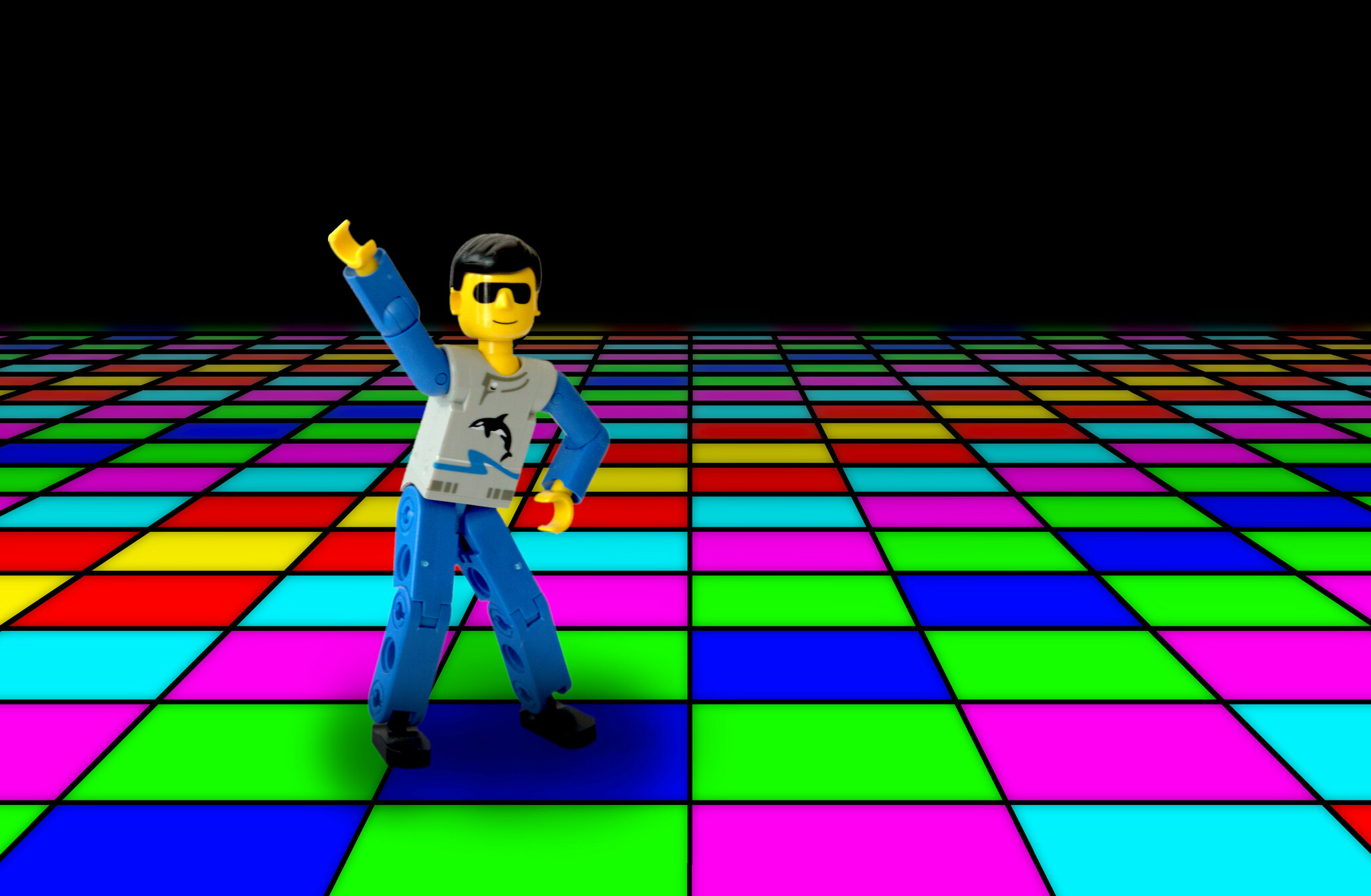
So, I took my LEGO Technic figurine, posed it on a white background, took a couple of pictures, and spent most of the time creating the disco floor to pose it 😉 Luckily and coincidentally, I had downloaded vector grids yesterday on Creative Market (because they were free yesterday, and still are until tomorrow): Grid 01 – that helped a lot in making the floor! I am also quite happy with the effect I managed to have when it comes to the fading in the distance and distant blur.

I’m not SUPER HAPPY with everything though – when I painted the black lines I didn’t compensate the thickness of the line for the perspective. It could probably have been done, but not with the approach I had taken (probably would have required a 3D deformation of a flat grid, that may have worked). I’m also not super happy with the integration of the LEGO guy – despite the shadow (that’s already “too much”, probably), he still looks like he’s hovering a bit. I don’t know how to fix that – it’s better with the shadow than without, but still far from flawless.

Still – theme for this week, DONE.

52Frames – 2020-21 – Symmetry

The theme for 52Frames this week was Symmetry.

I was initially considering taking pictures of two halves of that eggplant; at the last moment I recruited Pierre to hold the knife while I was taking pictures, using the knife to emphasize an axis of symmetry… which is not perfect, but I think pretty interesting still (you can play “spot the differences” 🙂 ). I did take pictures of the two halves, but they were far less satisfying.

This one is not perfect (I would have had liked to have a better alignment of my camera vertically on the knife, which would also probably have helped with the imbalance of the eggplant halves); I still somehow don’t hate it. And my eggplant was cut anyway, so there’s that.

My initial picture was without the purple border; I started adding a border to get a square image in Instagram, wondered if my usual “white” was best, ran into the purple, and ended up liking it more that way. It also re-emphasizes the symmetry and the centering, in my opinion.

52Frames – 2020-20 – Not What You See

This week, the theme for 52Frames was “Not What You See”, with an extra-credit for “Levitation” (which I claimed).

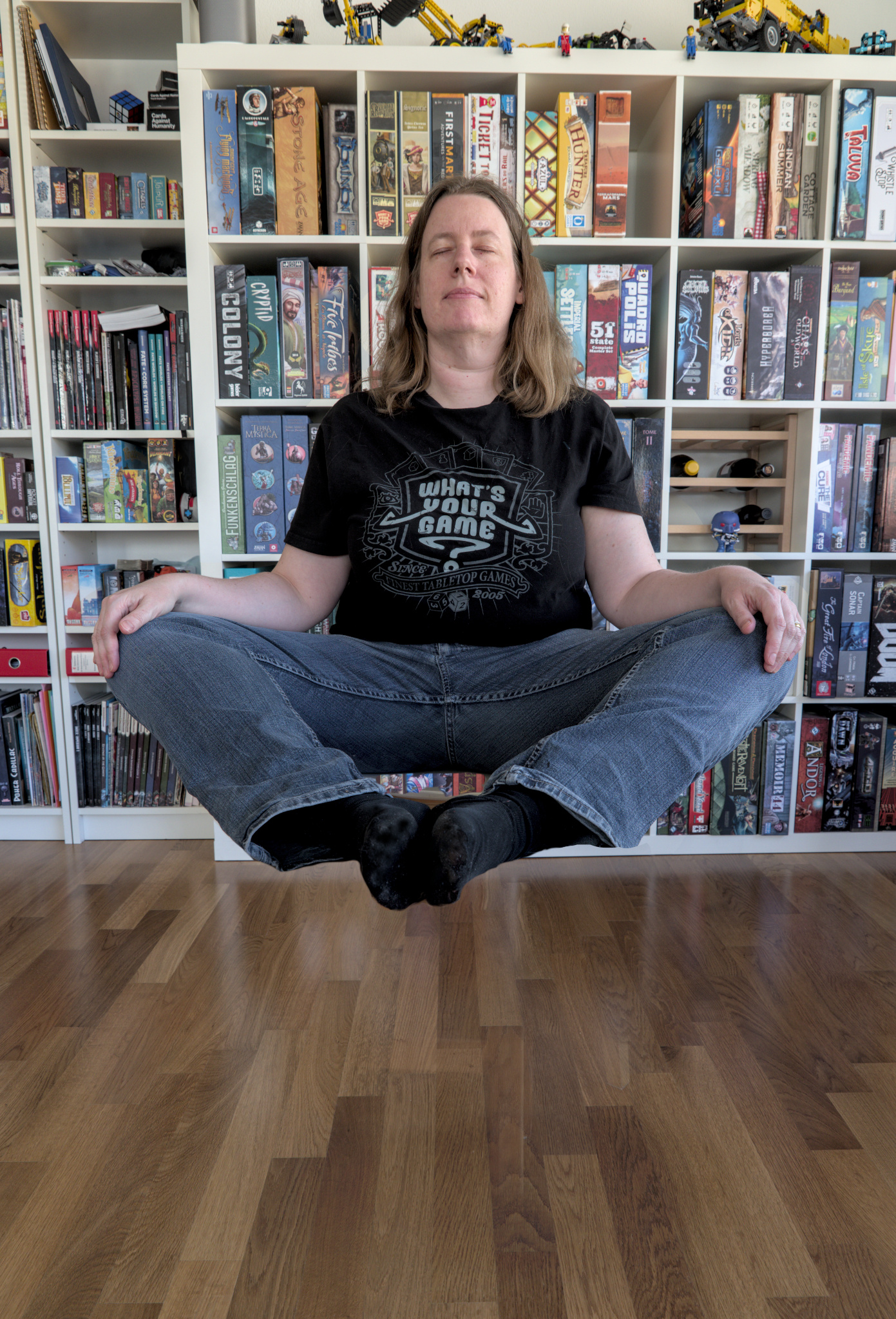
I had learnt a little while ago how to do that sort of things, and it’s fairly straightforward, assuming you have a tripod and manage to take pictures with similar-enough light – take two pictures, one with your subject, one without, and play with GIMP layers and masks to remove all the supporting elements (here I’m sitting on a chair and my feet are on a stool in front of me because I’m not flexible enough to handle doing that with a single chair :P).

It does feel like degree 0 (okay, 0.5) of creativity – which is the mood I was in today, I’ll admit; however, I did submit, I did not break my streak, and I did post 2020-20!

52Frames – 2020-19 – One Roll of Film

For the 52Frames theme this week, the challenge was to submit a picture with a maximum of 24 takes (or 12, or… 1 🙂 ). In all fairness, this is not necessarily much of a challenge for me, since… there’s probably more pictures than not where I take less than 24 takes.

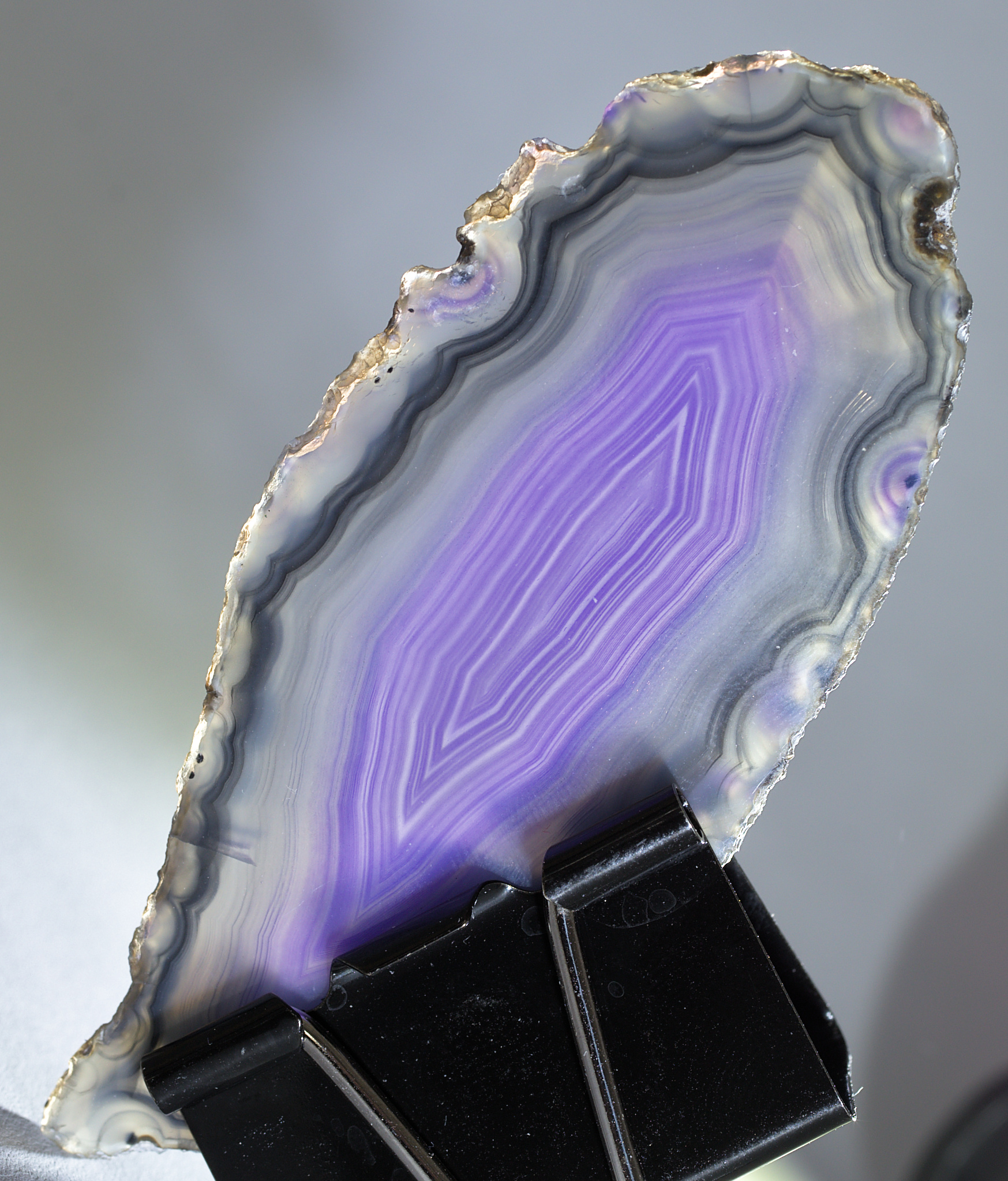
That kind of theme/constraint doesn’t really steer my creativity – I still went through 24 shots of a slice of agate, playing with a pair of lumecubes to illuminate it in different ways. This one was my favorite – I particularly liked the golden reflection on the border on top.

And just for fun, the full roll of 24 photos in Darktable:

52Frames – 2020-18 – Low-key

The theme for 52Frames this week was “low-key”. I kind of wanted to take a low-key portrait of myself – it would have been a nice complement to last week’s high-key portrait; but my regular black curtain currently has a desk in front of it (so that makes it more awkward to work with), and….. I got lazy.

Thankfully, my husband is NOT lazy, and he made some delicious peanut butter chocolates today. And is there anything better than dark chocolate for a low-key theme? I don’t think so. So, there: chocolate.